I’m floating
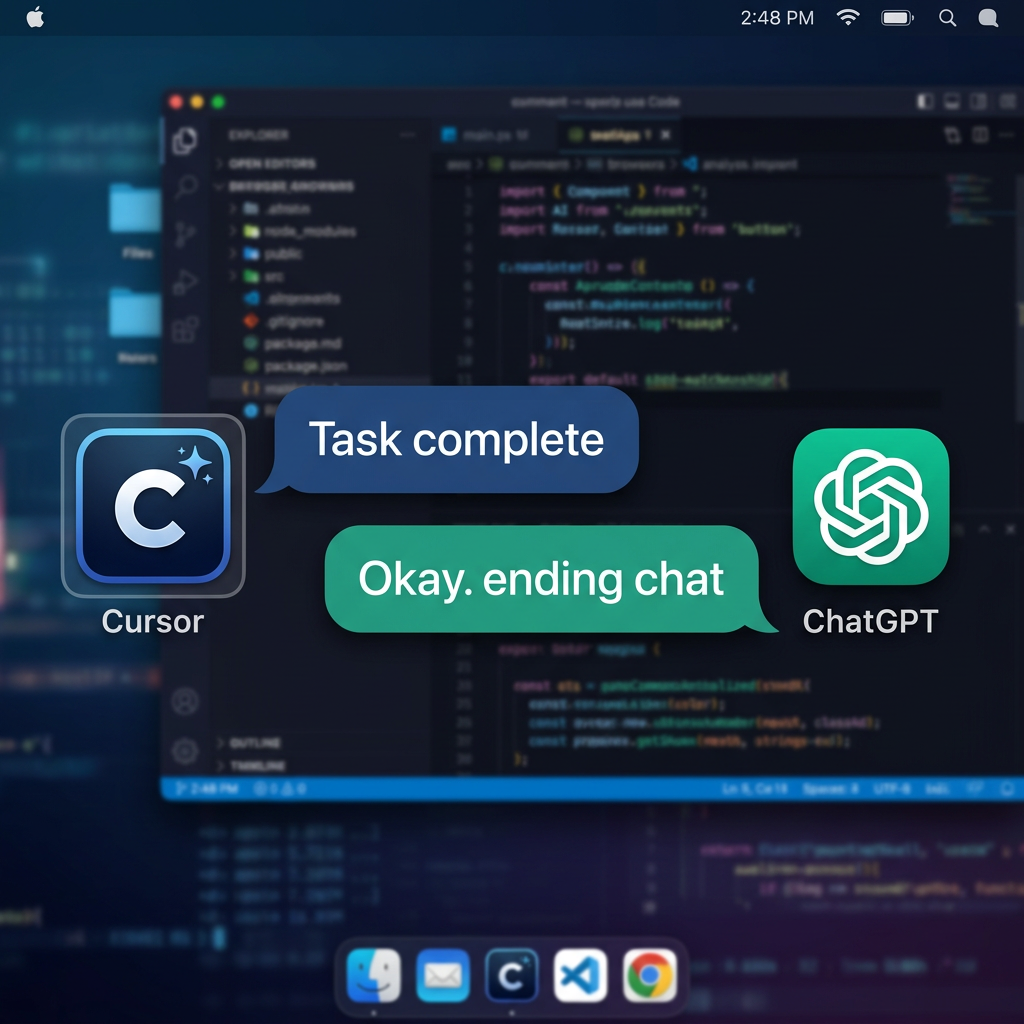
Recently at work, I saw someone mentioned something about Google’s Antigravity. I decided to try it out. I have been using Claude, Cursor, and ChatGPT (Codex) for several months now all at the same time. I have the pro plan for each of these and I go back-and-forth depending on whether or not I’ve reached my limits on any of them and depending on which one I think works best for the particular task that I’m working on. I’m still not convinced if using all these different AI agents is actually making me faster versus picking one and sticking with it. I’ve only worked a little bit in the last couple days with Antigravity and so far it has been mostly quite annoying. I think that the defaults are good, in that it asked me permission to do things. However, many of the things that it’s asking me permission for are things that I’ve already given permissions for to my other AI agents. So, as one would expect with any new tool, there is some sort of learning curve. In this case, it might be partially me learning and partially the AI getting to know me, which is sort of a weird concept. But that’s normal life now in 2026 for a programmer.
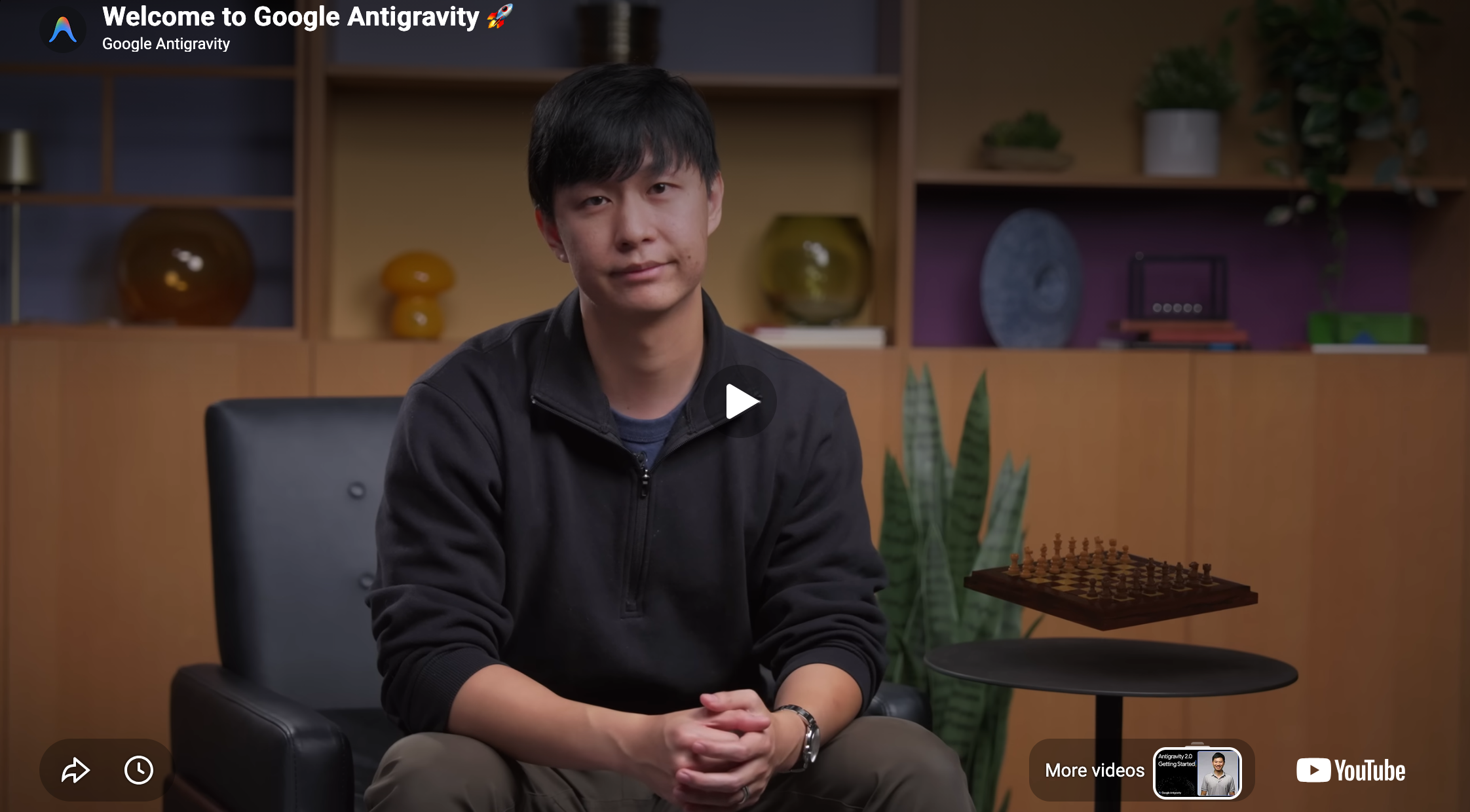
When I watched the intro video about Google’s Antigravity one thing I found really strange and belonging in that so-called “Uncanny Valley” is the fact that during one of the interviews with one of the programmers explaining how it works, there is a chessboard on a table sitting next to him, and suddenly the chessboard just starts floating in mid air because, well Antigravity. I mentioned this to one of my colleagues at work who had not even noticed it! Interestingly enough, at the very end of the video there is a sort of bloopers, behind the scenes style cut, in which they show several people holding up a couch with someone sitting on it, which was also in the video as a demonstration of antigravity. I had actually thought that the floating couch was totally just done with AI but apparently that was done with “humans in the loop”. I don’t know whether or not that is the case for the floating chessboard. Was that totally AI or were there people holding up the chessboard and making it move with a green screen like they did for the couch? I may never know.
I’m dictating this message right now instead of writing it with my keyboard, although I’m going to go back and make some edits and some corrections with my keyboard. When I do this in order to when I dictate like this, I find it easiest for me if I close my eyes and only concentrate on my words and don’t pay attention to whether or not my words are being heard and typed out correctly or not. I think it would be distracting for me to see them being misinterpreted. This is another thing that I have not done extensively even though I have been working on voice recognition and natural understanding for over 15 years now. Mostly though I’ve been using the automated speech recognition for simple tasks, such as setting a timer using my Amazon echo or talking to my car and asking for it to get me directions. I have not used it nearly as much for dictating long passages of speech. But again I keep hearing from more and more colleagues that they are doing this and it makes them more efficient so I’m also trying to give it more of a chance myself. I also find it interesting that this voice recognition technology has gotten much more popular just in the last year or two with tools such as Whisper AI, even though voice recognition has been built into macOS for many years and is quite sufficient in my opinion. Right now I am using the default voice recognition built into macOS, which I can simply activate and deactivate by hitting the control button twice.
There are times where I get really excited about all the new AI technologies that we have available, but there are also times where I find it somewhat stressful and exhausting. I anticipate that when I retire, I will spend a lot less time talking with AI and a lot more time taking walks in the woods.